Understanding the dashboard
The dashboard is where you run your company: create work orders, plan the calendar, and manage clients and your team. Everything is reached from the sidebar on the left.
This article gives you a quick tour, so you always know where to look. After signing in, you land straight on the calendar; everything else is one click away.
The sidebar
The sidebar is the white menu running down the left edge of the screen. Each item is an icon with a name next to it, and the items are arranged in three groups. "Work" holds the everyday pages:
- Overview
- A map of the day: each technician's route, drawn in their own color.
- Calendar
- The heart of ServisGo: every technician's day side by side, with all booked visits. This is where you plan.
- Work Orders
- All work orders in one table: tabs that work as saved views, filters, and a menu of actions on every row.
- Clients
- Your client list, with contact details and addresses.
"Catalog" holds what your company offers and owns:
- Services
- Your service catalog: the jobs you offer, each with a duration and a price.
- Equipment
- Tools and machines you can attach to work orders.
And "Company" holds the pages about your team and how it works:
- Users
- Your team: technicians and office staff, their working hours and calendar colors.
- Blocked Hours
- Time that should stay free: lunch breaks, holidays, days off.
- Reports
- Numbers about the work done: how much, by whom, for how much.
The Overview page
Click "Overview", the first item in the sidebar, and you land on a page titled "Route Map": a live map of one day's work. Every technician's planned route is drawn on the map in their own color, with a numbered marker at each stop.
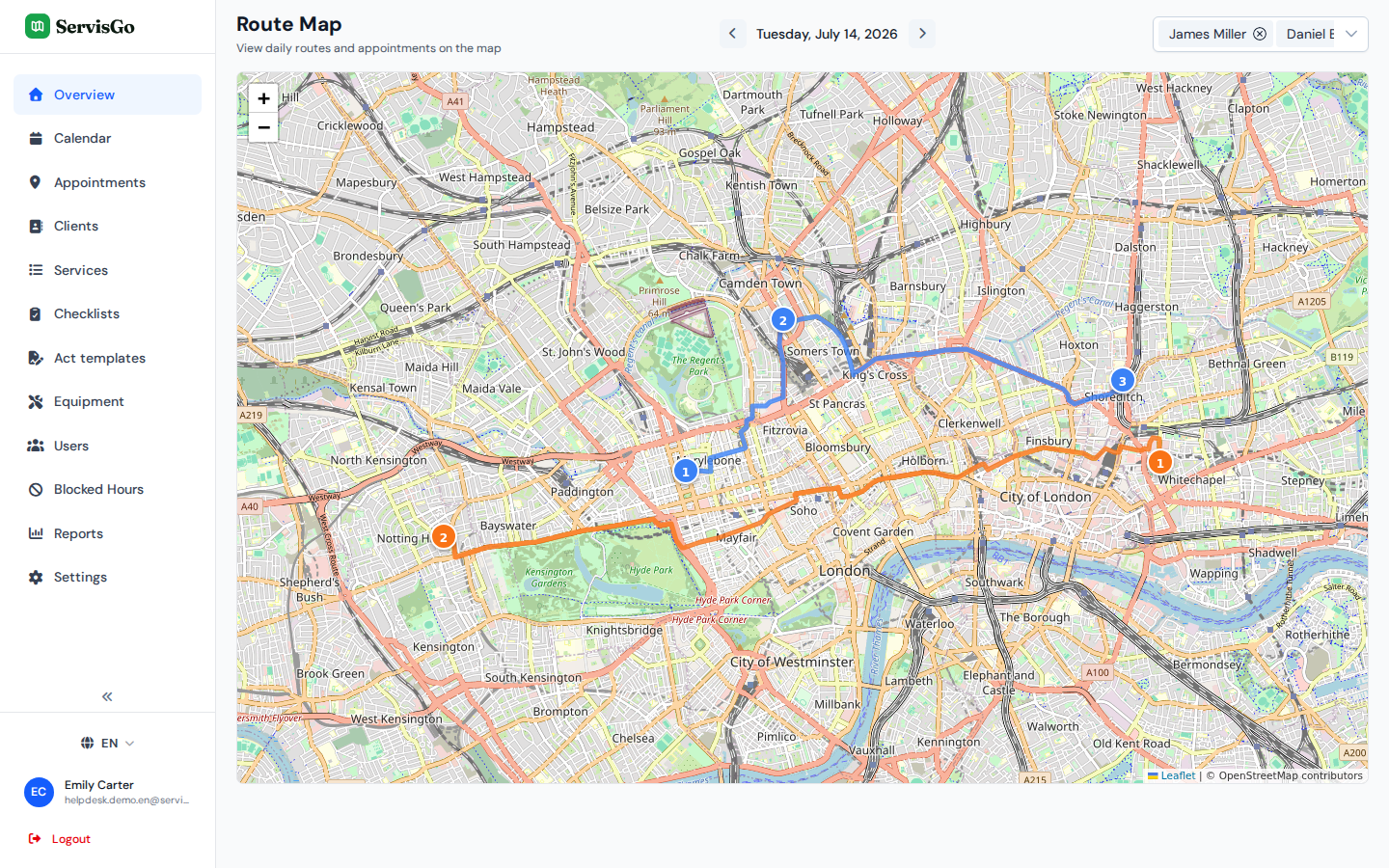
Above the map you will see the date with an arrow button on each side. Click the left arrow for the previous day, the right arrow for the next. Next to it, the "Filter workers" dropdown lets you tick only the technicians you care about; the map then hides everyone else's route.
Language, account and logging out
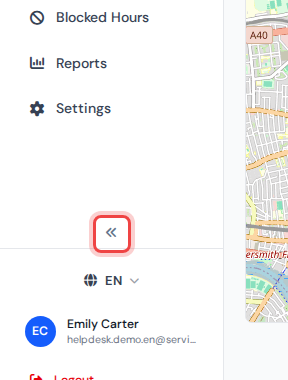
The bottom of the sidebar is about you: "Settings" with the company-wide features, the language switcher (English, Lithuanian, German or Spanish), a colored circle with your initials next to your name and email, and a red "Logout" button that signs you out and returns you to the sign-in page.