Recurring jobs that plan themselves
ServisGo's recurring jobs keep regular clients on the calendar without anyone re-entering anything. Set the rule once, weekly or monthly, and the next work order appears in your planning view by itself, with services, length, preferred time and workers already filled in.
The exact time stays your call: ServisGo prepares the job, you place it with one drag or one suggested slot.
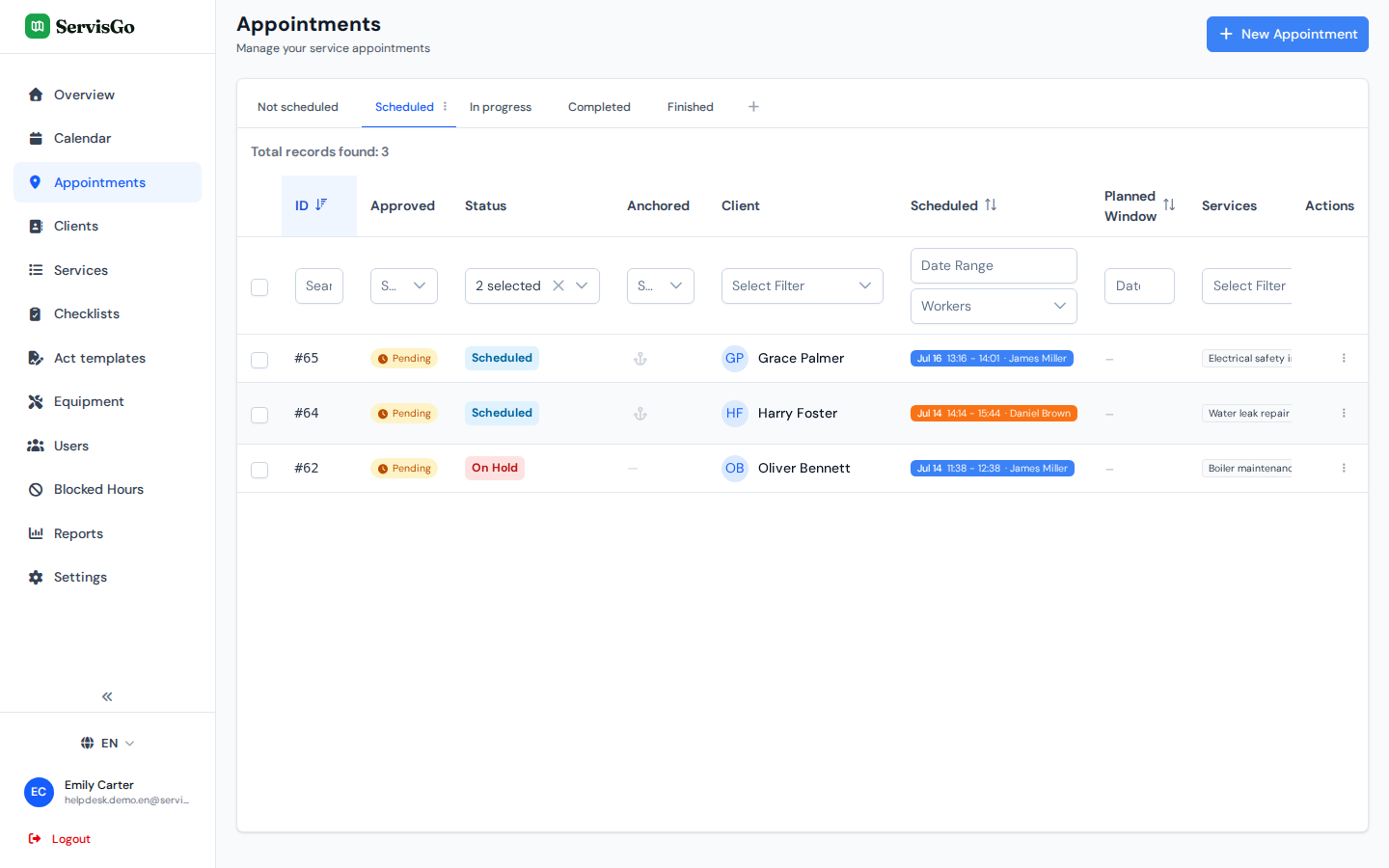
One rule, endless work orders
A recurring rule lives on the client's card and describes the rhythm of the work: every week, every two weeks, monthly, on the weekdays you choose. Everything else is filled in from the rule, so the generated work orders arrive complete.
- Base the rule on an existing work order to copy its services and workers in one click
- Set the services, length, preferred time and workers once
- A day margin keeps each date close to the previous visit's day, so rhythms do not drift
Each work order arrives ready to book
When the next occurrence is due, it simply appears among your unscheduled work orders with its planning window already set. No one has to remember the client, look up what was done last time, or copy anything by hand.
Try it free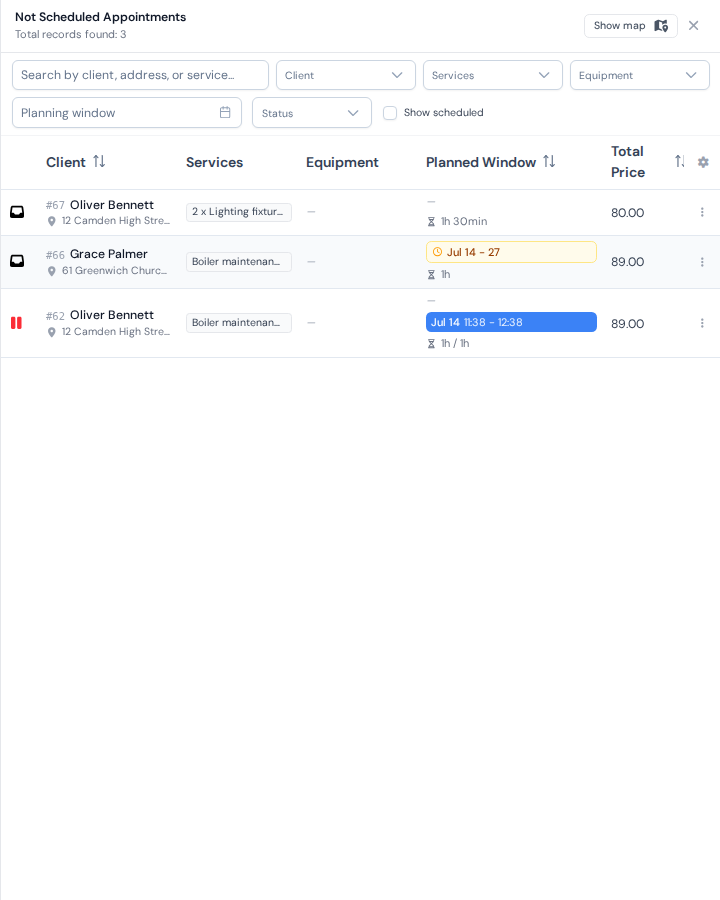
Booked in seconds, routes included
Because the recurring work order is a normal work order, everything else works on it: drag it into the calendar, or let the suggested time slots place it where it adds the least driving to the assigned technician's day.
Try it free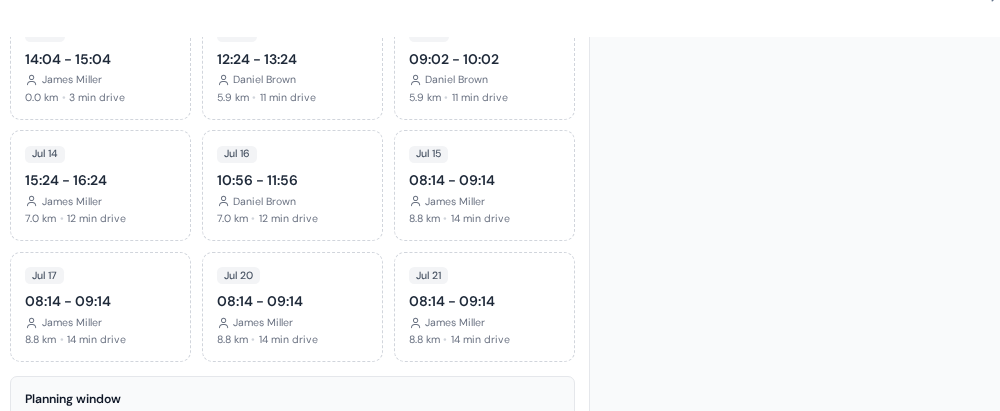
Frequently asked questions
How do recurring work orders work in ServisGo?
Can a job repeat every two weeks or every third month?
Do recurring jobs book themselves into the calendar?
Can I copy an existing work order into a rule?
The help center walks through every click with real screenshots.
See it with your own jobs
From registration to your first optimized route in under 15 minutes.
Start for free28-day free trial · No credit card required