Checklists that make every job run the same
ServisGo checklists are reusable question lists attached to your services: build one once, and every work order that includes that service carries it automatically. Technicians fill them in from their app during the visit, and the office watches the answers arrive.
Readings, photos, yes/no checks: proof the work was done right, on every visit, no matter who did it.
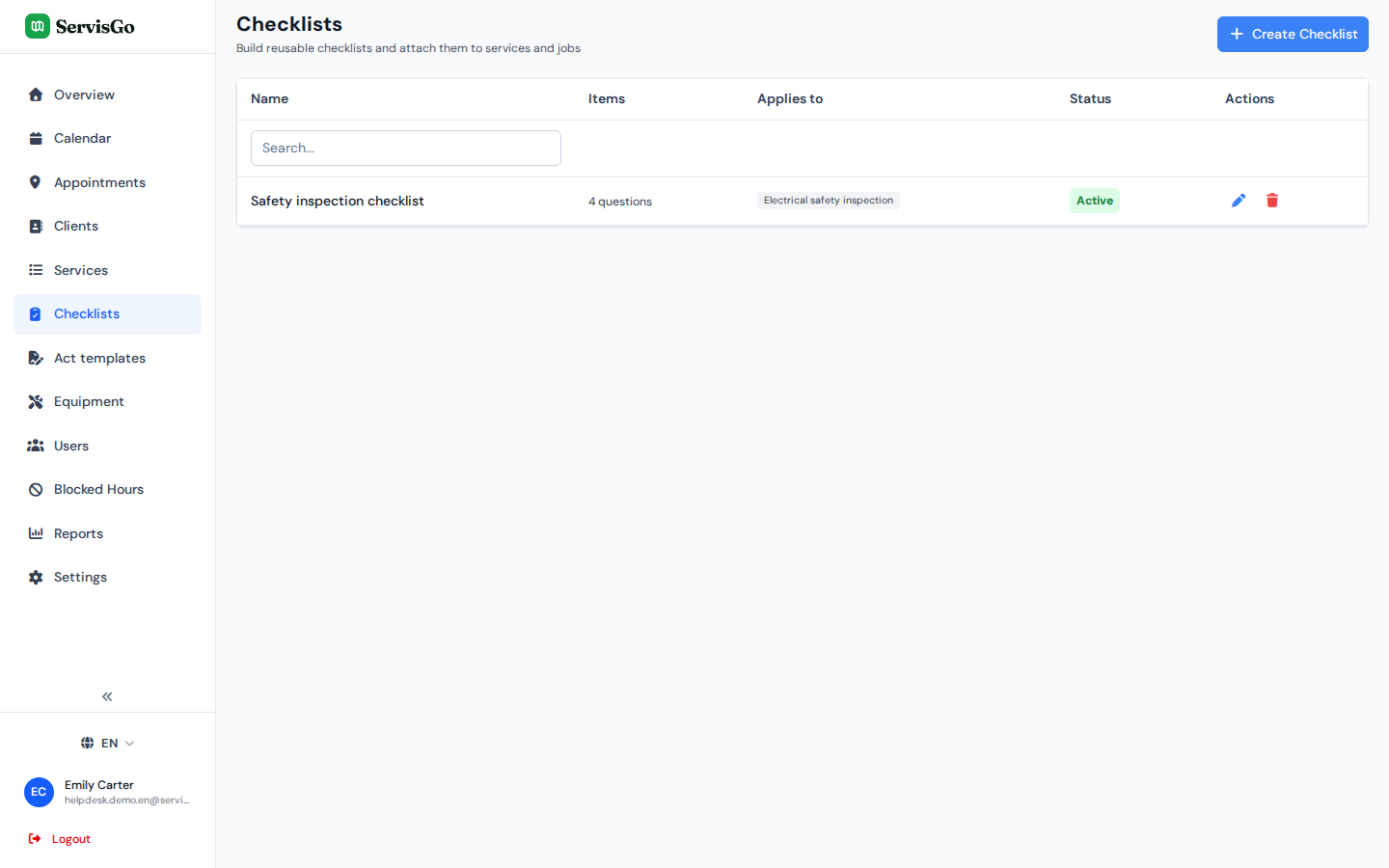
Build it once, attach it to a service
A checklist is a list of questions, each with the answer type you choose. The key field is "Applies to services": attach the checklist to one or more services, and from then on every work order that includes them gets the checklist by itself.
- Short and long text, numbers for readings and measurements
- Yes/No checks, single and multiple choice
- Date, time and photo answers for timestamps and visual proof
- Section headings to group questions, and conditional questions that appear only when an earlier answer matches
Filled in the field, visible at the office
Technicians fill checklists in from their app during the visit. Each answer appears on the work order as it is saved, with who filled it and when. The office can open, fill or correct any checklist too, so nothing is stuck on someone's phone.
Try it free
Answers flow into the service report
Add the "Checklists" block to your report template and the filled answers become part of the act of work you hand the client: the readings, the checks, the proof. No copying between systems.
Try it free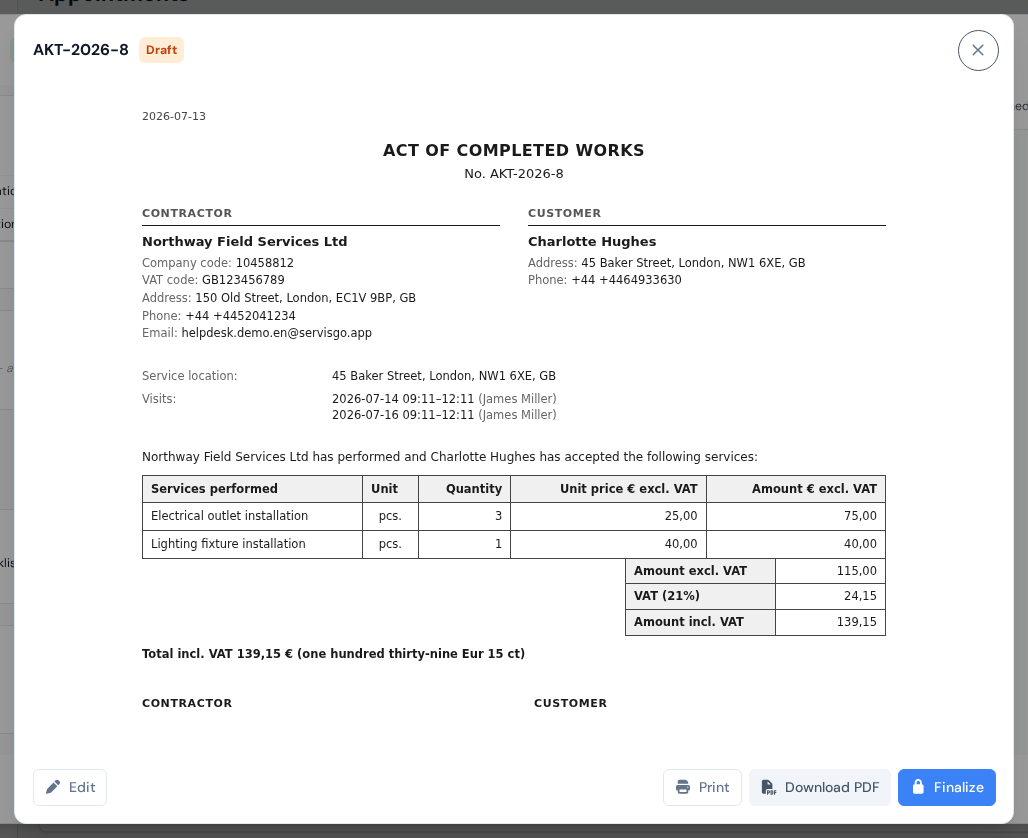
Frequently asked questions
How do checklists get onto a job?
What answer types are supported?
Can the office see or correct the answers?
Can checklist answers appear in the service report?
The help center walks through every click with real screenshots.
See it with your own jobs
From registration to your first optimized route in under 15 minutes.
Start for free28-day free trial · No credit card required