Recurring jobs, client signatures and files on every order
This round of updates covers everything around the job itself: repeat orders now create themselves, clients sign off right on the technician's phone, files are stored on the appointment, and the calendar is easier to read at a glance.
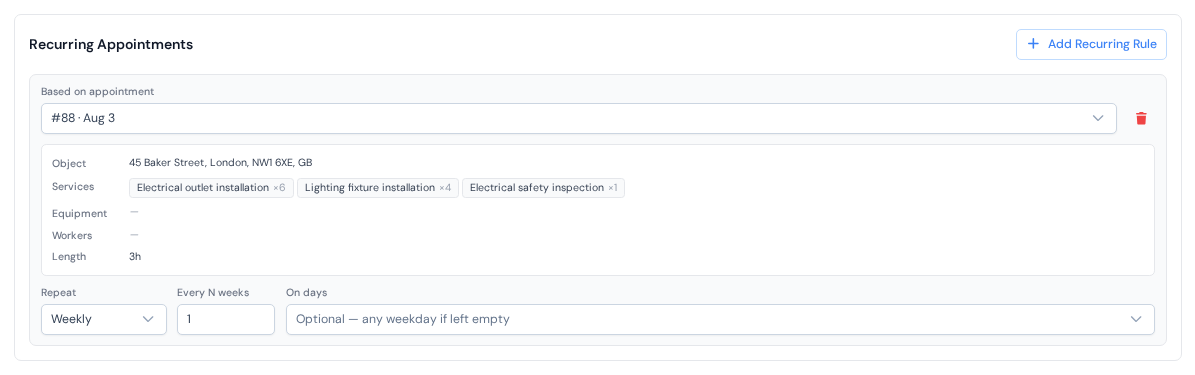
First, recurring jobs. If a client's work comes back every week or every month, set it up once: open the client's card, switch to the "Appointments" tab and press "Add Recurring Rule". From then on, every time the current appointment is closed, ServisGo creates the next one by itself, with the same services, prices and crew, planned for the right days. The full story is in the recurring appointments guide.
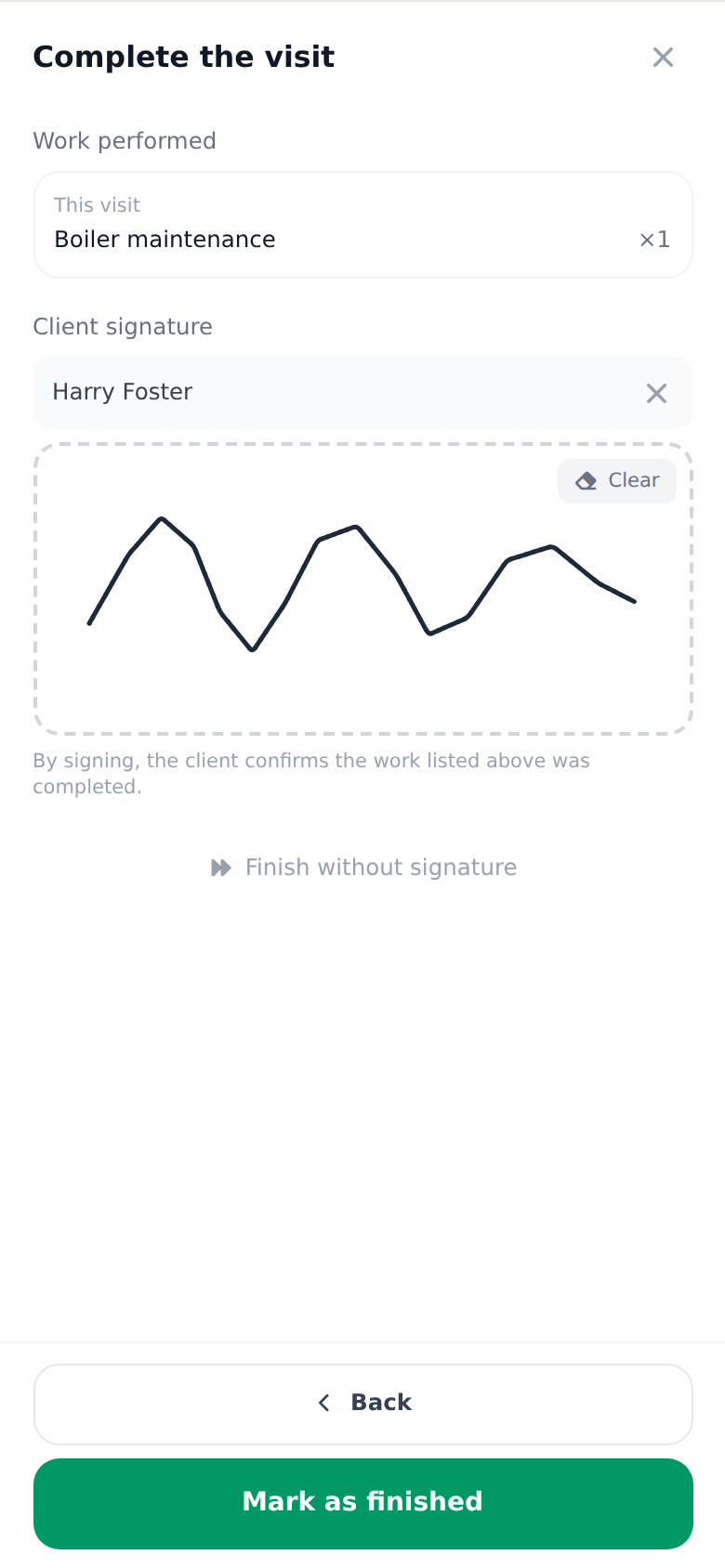
Second, signatures. Turn on "Signatures" in "Settings", and when a technician completes a job, the app sums up the work and asks the client to sign on the screen. The signature lands on the appointment and is printed on the act of work, next to your company's own saved signature. How to turn it on and what signing looks like is all in the client signatures guide.
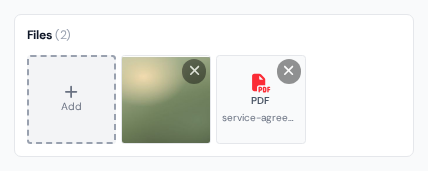
Third, files. Appointments now hold documents, not just photos: attach the signed offer, a floor plan or a spreadsheet in the "Files" card of the appointment form. Technicians see the same files in their app and add photos and documents straight from the site. Details in the appointment guide.
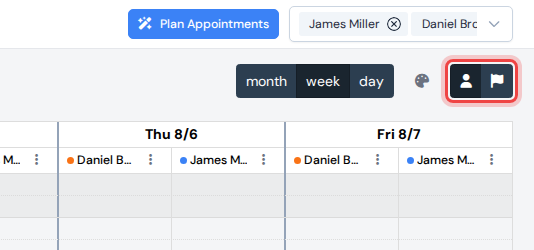
And the calendar. It now opens right after you sign in, and it can color visits two ways: by worker, or by appointment status, so one look shows how far along every job is. The two small buttons next to the palette icon switch the mode; the visit statuses guide explains both.
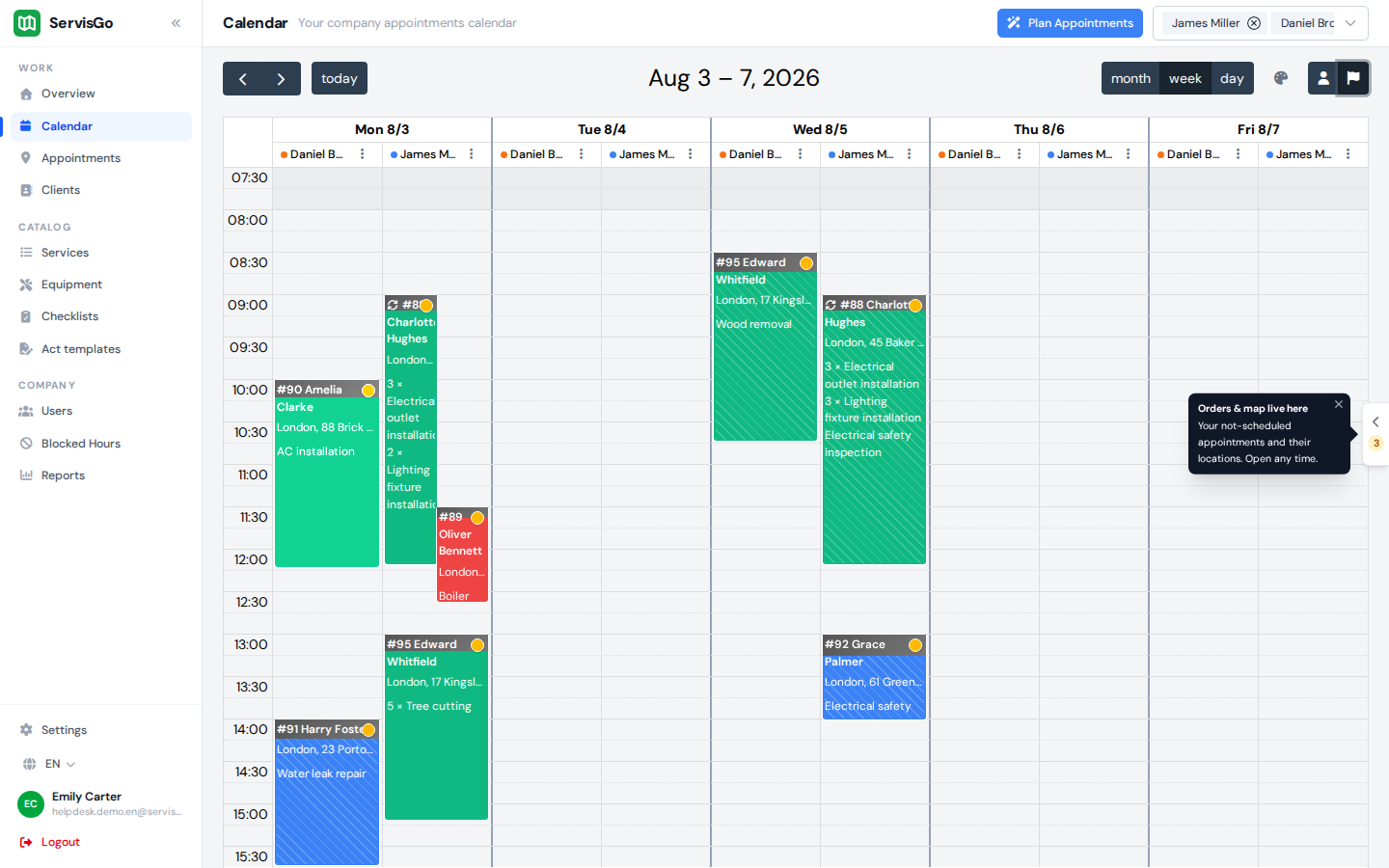
The panel of waiting jobs got sharper tools too: the "Doable from" and "Needed by" filters slice the list by planning window, and "Show map" turns it into pins with job cards you can drag straight into the calendar. See the scheduling guide.
Around all of this, the dashboard got a cleaner look: the sidebar is grouped into "Work", "Catalog" and "Company" with "Settings" pinned at the bottom, and row actions now sit behind the three-dot menu at the end of each row. One more small fix: the "Forgot password?" link on the sign-in page now emails you a reset link, in your language.