Make the lists yours: tabs with saved columns and filters
Everyone reads the appointments list differently: one plans by region, another chases unpaid jobs, a third watches a single technician. Setting that view up every morning is over.
Each tab above the list is a saved view that remembers its own columns and filters. You can now shape them freely: click the "+" at the end of the tab row to create one, drag tabs to reorder them, and open the small three-dot icon next to a tab's name to rename it, change its columns or delete it.
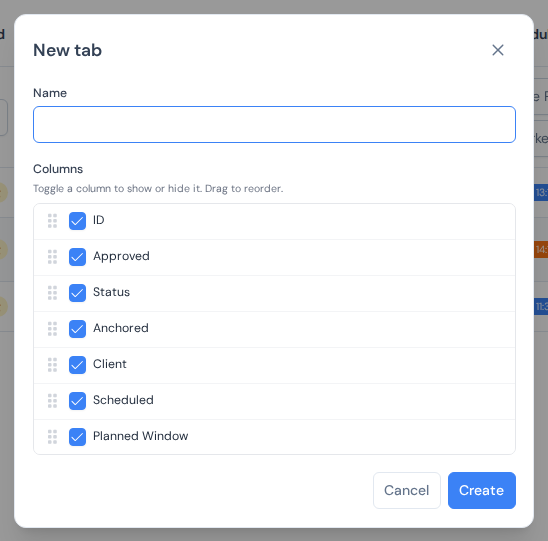
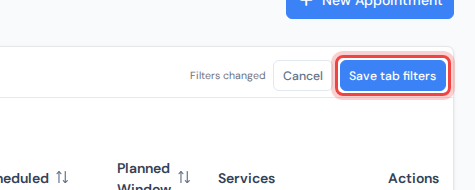
Filters are part of the deal. Narrow the list down with the boxes under the column headers, and the tab row offers "Save tab filters": press it and that view greets you the same way tomorrow. "Cancel" returns the tab's saved filters instead.
Tabs are personal, so everyone on the team keeps their own set, on the "Appointments" and "Clients" pages alike. The full walkthrough is in the appointments list guide.