Copy appointments instead of retyping them
The same client, the same services, next month again. Typing that job in a second time never made sense, so now you do not have to.
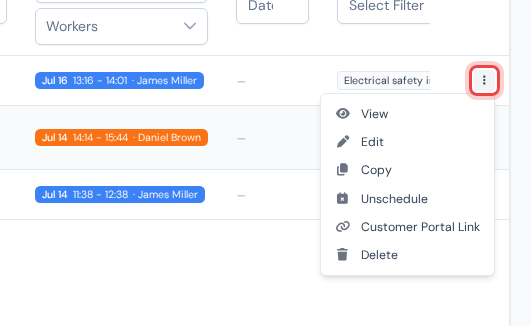
On the "Appointments" page, open the three-dot menu at the end of a row and click "Copy". The copy is created instantly and opens for editing: same client and address, same services, technicians, equipment, notes and photos, but with a fresh start, no visits, no recorded work, ready to be booked.
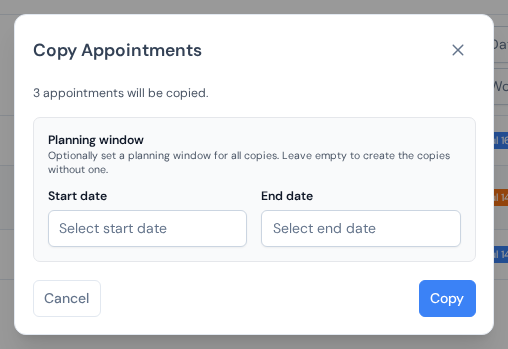
Preparing a whole month of recurring jobs? Tick several appointments and press "Copy Selected". A dialog tells you how many copies will be made and lets you set one planning window for all of them, or none at all.
What a copy carries over and what it deliberately leaves behind is spelled out in the appointments list guide.